devsteamit
How to Use the App
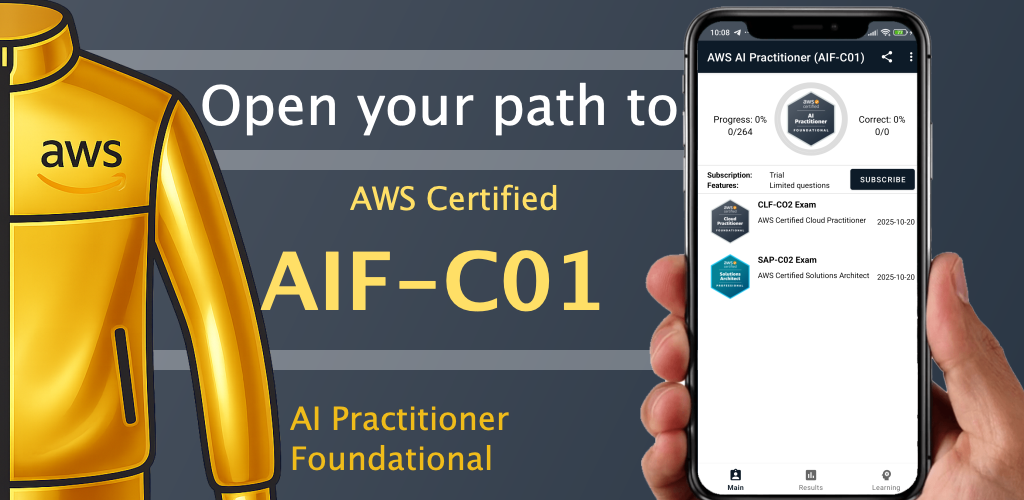
This application helps you prepare for AWS certification exams by practicing questions similar to those found in the real exam.
Main Screens
The application consists of several main sections:
• Home screen
• Learning mode
• Exam simulation
• Statistics
• Settings
Starting Exam
- Open the app, navigate to Results bottom tab
- Select **Start **
Answering Questions
Each question contains multiple answer options.
To answer a question:
- Select one or more answers
- Swipe left/right to the next/prev question
- At the end of exam click Finish
During exam, you can track you timing and progress of question number.
Explanations are shown after submitting.
Navigation
You can navigate between questions using:
• Next – move to the next question
• Previous – review the previous question
Or use screen finger swipe left/right.
Viewing Statistics
The Statistics section shows:
• Number of questions answered
• Correct vs incorrect answers
• Progress over time
This helps track your exam readiness.
Exam Mode
Exam Mode simulates the real AWS certification exam.
Features:
• Timed exam session
• Randomized questions
• Final score report
Learning Mode
Learning Mode allows you to learn without time pressure.
Features:
• Immediate answer feedback
• Detailed explanations
• Ability to review questions
• Colored hints green/red when clicked correct/wrong answer